

A well-lit home office can improve focus, reduce eye strain, and create a comfortable environment for long hours of work, studying, or video meetings. The best home office lighting combines general illumination, focused task lighting, and controlled accent lighting while minimizing glare on computer screens.
Home Office Lighting: Brighten Your Workspace for Maximum Productivity
BROWSE HOME OFFICE LIGHTS

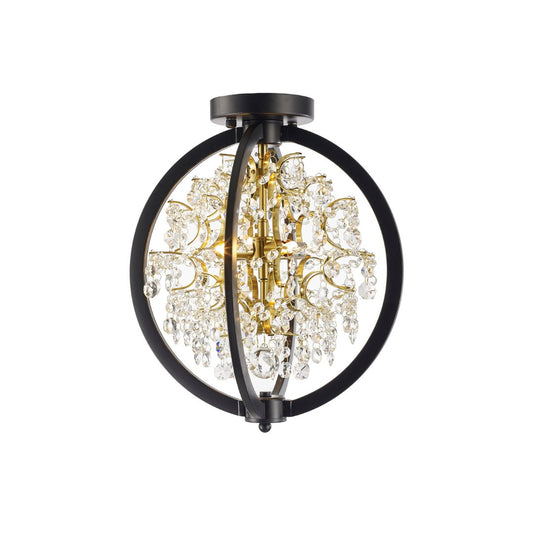
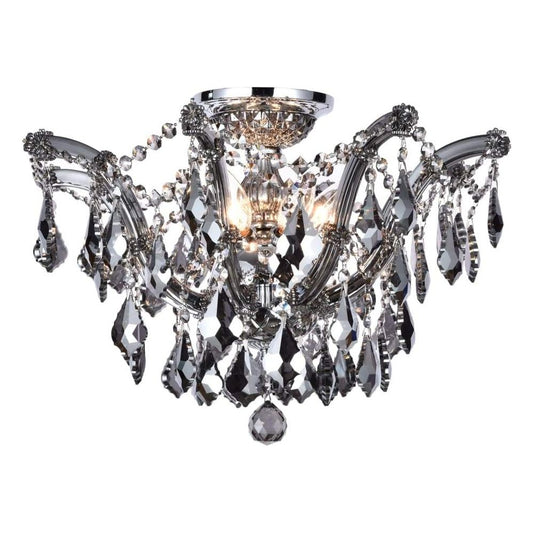
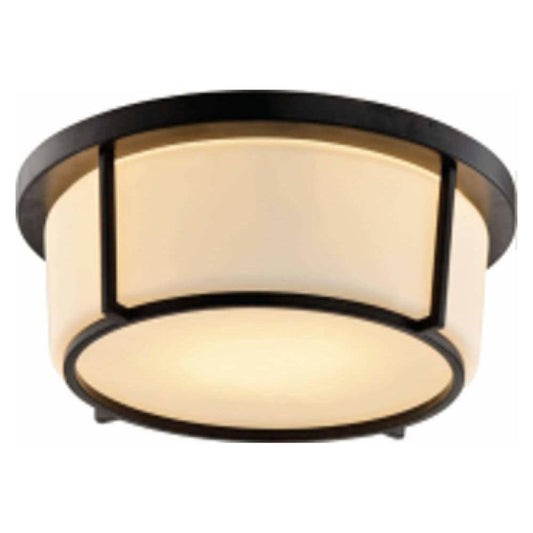
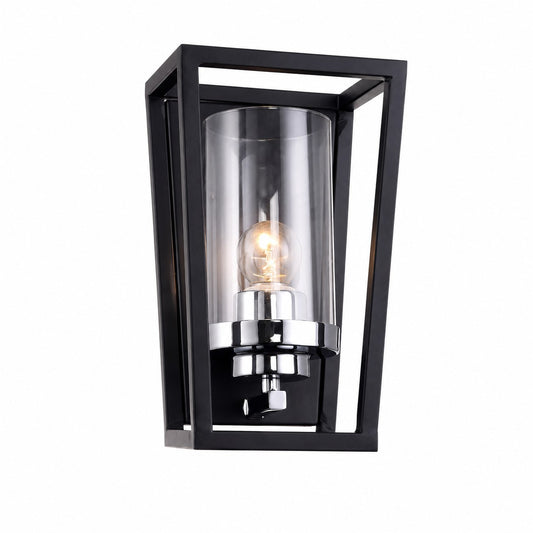





VISIT OUR SHOWROOM

HOME OFFICE LIGHTING GUIDE
1. Start with Comfortable Ambient Lighting
Use ceiling fixtures such as flush mounts, semi-flush lights, recessed lighting, or track lighting to provide even illumination throughout the room. Avoid relying on a single bright fixture directly above your desk, which can create harsh shadows and screen glare.
For most home offices, choose lighting that provides broad, balanced coverage without making the space feel overly bright.


2. Add Dedicated Task Lighting
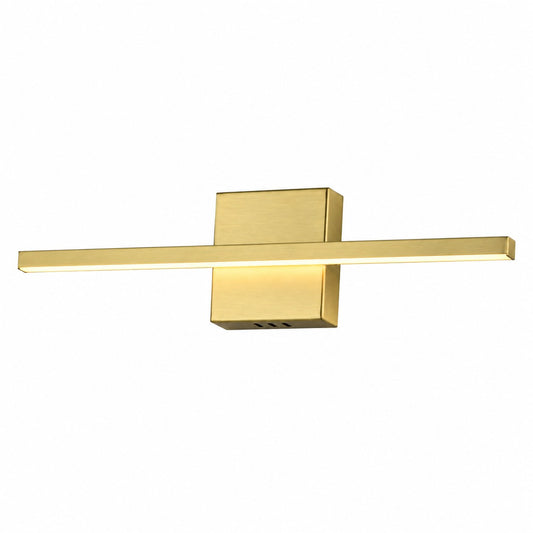
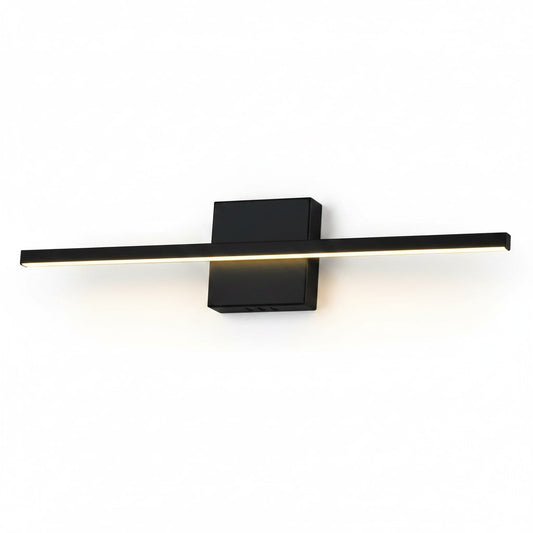
A desk lamp, adjustable wall light, pendant, or directional track light can provide extra illumination exactly where you need it for reading, writing, paperwork, or detailed work.
Position task lighting so that it illuminates your work surface without reflecting directly onto your monitor. Adjustable fixtures are particularly useful when the office serves several different purposes.
3. Choose the Right Colour Temperature
For an office environment, approximately 3000K to 4000K works well for most people.
- 3000K creates a warmer, more relaxed residential atmosphere.
- 3500K provides a balanced neutral-white appearance.
- 4000K delivers a cleaner, more energizing light suitable for highly task-oriented workspaces.
Avoid extremely cool lighting unless the room or work activity specifically requires it.


4. Control Glare Around Screens
Computer monitors, glossy desks, glass surfaces, and windows can reflect light and cause visual discomfort. Position fixtures so their light does not shine directly onto the screen or into your eyes.
Indirect lighting, diffused fixtures, adjustable track heads, and properly positioned desk lamps can help create a more comfortable workstation.
5. Consider Video Calls
Your office lighting should illuminate your face as well as your desk. For video meetings, having soft light coming from in front of you or slightly to the side generally produces better results than strong overhead or backlighting.
Avoid placing a bright window or fixture directly behind your chair whenever possible.


6. Use Accent Lighting to Make the Office Feel Finished
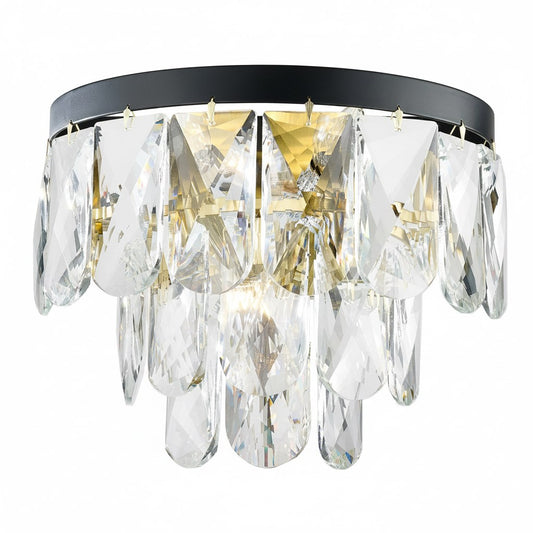
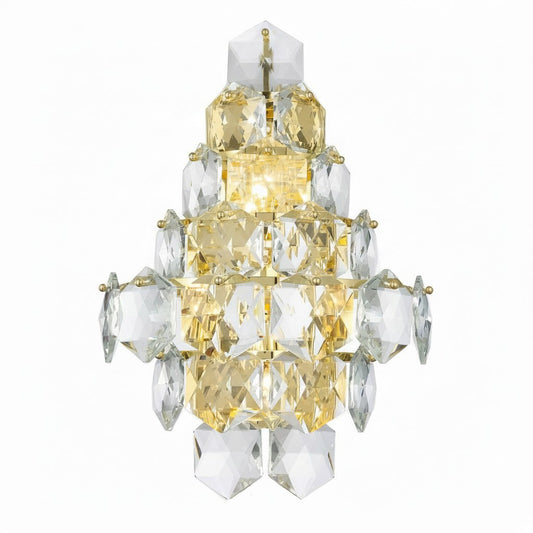
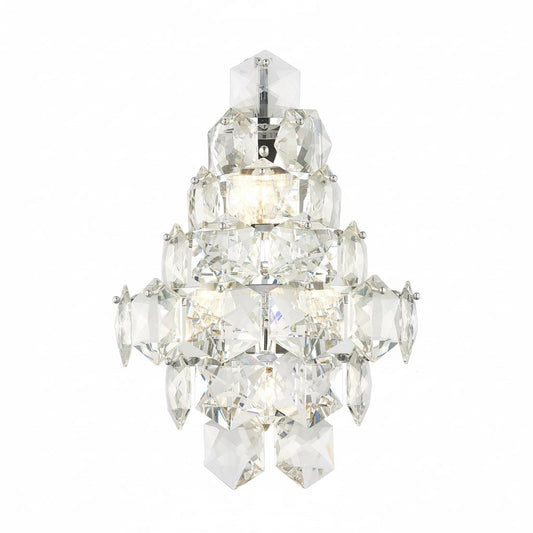
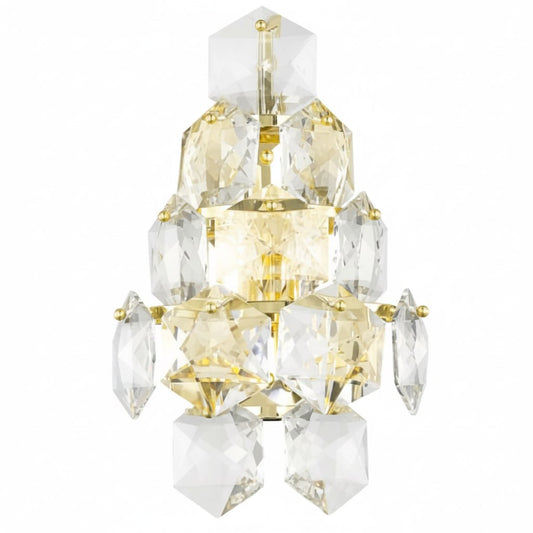
Home offices do not need to look purely functional. Wall sconces, picture lights, decorative pendants, shelf lighting, or table lamps can add warmth and personality while providing softer illumination during less intensive work.
7. Add Dimming and Lighting Zones
A dimmer lets you adjust the office from bright daytime task lighting to softer evening illumination. If possible, control ceiling, task, and accent lighting separately so you can create the right lighting level for different activities.


Choosing Home Office Fixtures
When selecting lighting for your home office, consider:
- Room size and ceiling height
- Desk location and orientation
- Available natural daylight
- Computer-screen placement
- Required task-light levels
- Colour temperature
- Dimming capability
- Fixture adjustability
- Decorative style
- Whether the office is used primarily during the day or evening
The most effective home office lighting is layered and adjustable, providing enough light to work comfortably while maintaining the welcoming character of a residential space.
HOME OFFICE LIGHTING FAQ
What is the best lighting for a home office?
The best home office lighting combines ambient, task, and accent lighting. Ceiling fixtures provide general illumination, while desk lamps, wall lights, pendants, or adjustable track lighting can provide focused light for reading, writing, and computer work.
What colour temperature is best for a home office?
A colour temperature between 3000K and 4000K works well for most home offices. 3000K creates a warmer residential feel, while 3500K to 4000K provides a cleaner, more energizing appearance that can be comfortable for focused work.
How can I reduce glare on my computer screen?
Avoid positioning bright fixtures directly behind or above your monitor where they can reflect off the screen. Diffused lighting, adjustable fixtures, indirect lighting, and properly positioned task lamps can help minimize glare and improve visual comfort.
Is recessed lighting good for a home office?
Yes. Recessed lighting can provide clean, even general illumination without taking up visual space. For the best results, combine recessed lights with task lighting near the desk and use dimmers when possible.
What lighting is best for video calls in a home office?
Soft lighting positioned in front of you or slightly to one side generally provides the most flattering and balanced illumination for video calls. Avoid sitting with a bright window or strong light source directly behind you.
Should home office lighting be dimmable?
Yes. Dimmable lighting allows you to adjust brightness throughout the day and for different activities. Separately controlling ceiling, task, and accent lighting gives you even greater flexibility and helps create a comfortable workspace.